Maximizing Mobile Gaming Battery Life: 7 Proven Techniques for 2026
Advertisements
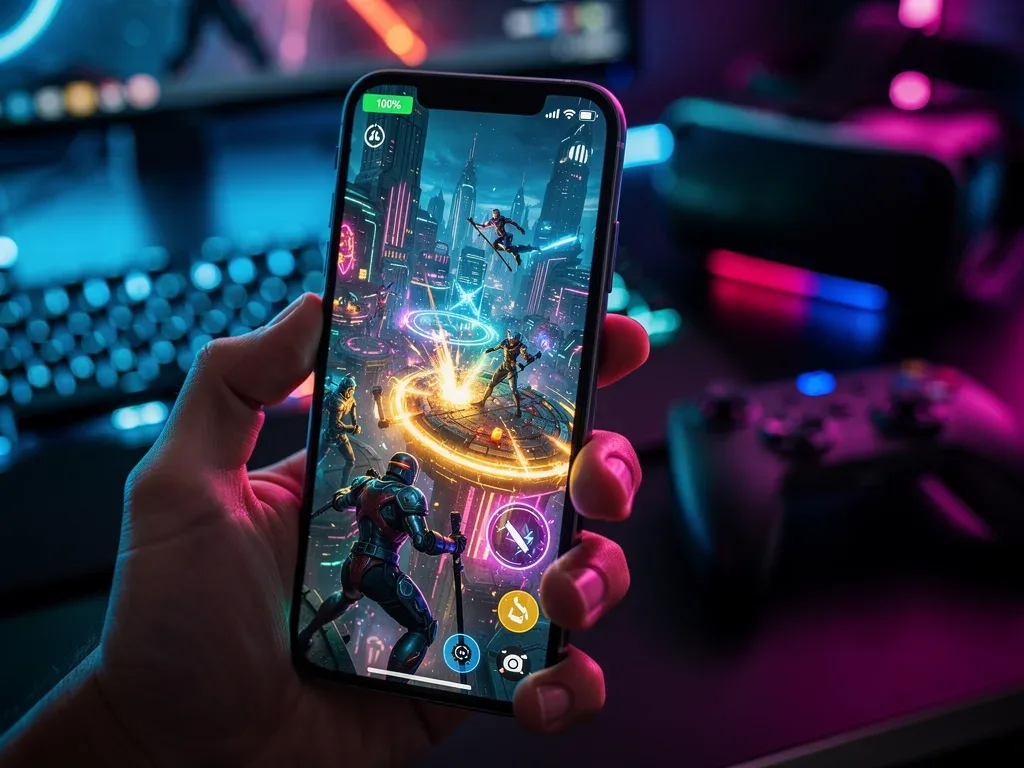
To significantly extend mobile gaming battery life in 2026, users should prioritize display optimization, manage background processes, utilize performance modes, and invest in advanced charging solutions and accessories for sustained gameplay.
Are you tired of your epic mobile gaming sessions being cut short by a rapidly draining battery? In the fast-evolving world of 2026, keeping your device powered up for extended play is more crucial than ever. This guide will delve into Maximizing Battery Life for Extended Mobile Gaming Sessions: 7 Proven Techniques for 2026, offering practical strategies to keep you in the game longer.
Optimize display settings for efficiency
The display is often the biggest power consumer on any smartphone, especially during graphically intensive mobile gaming. Adjusting your display settings can yield substantial improvements in battery longevity. Many gamers overlook these simple tweaks, but they are foundational to extending playtime.
Modern mobile devices in 2026 come with advanced display technologies that, while beautiful, can be significant battery hogs. Understanding how to balance visual fidelity with power efficiency is key to an uninterrupted gaming experience.
Adjusting brightness and refresh rate
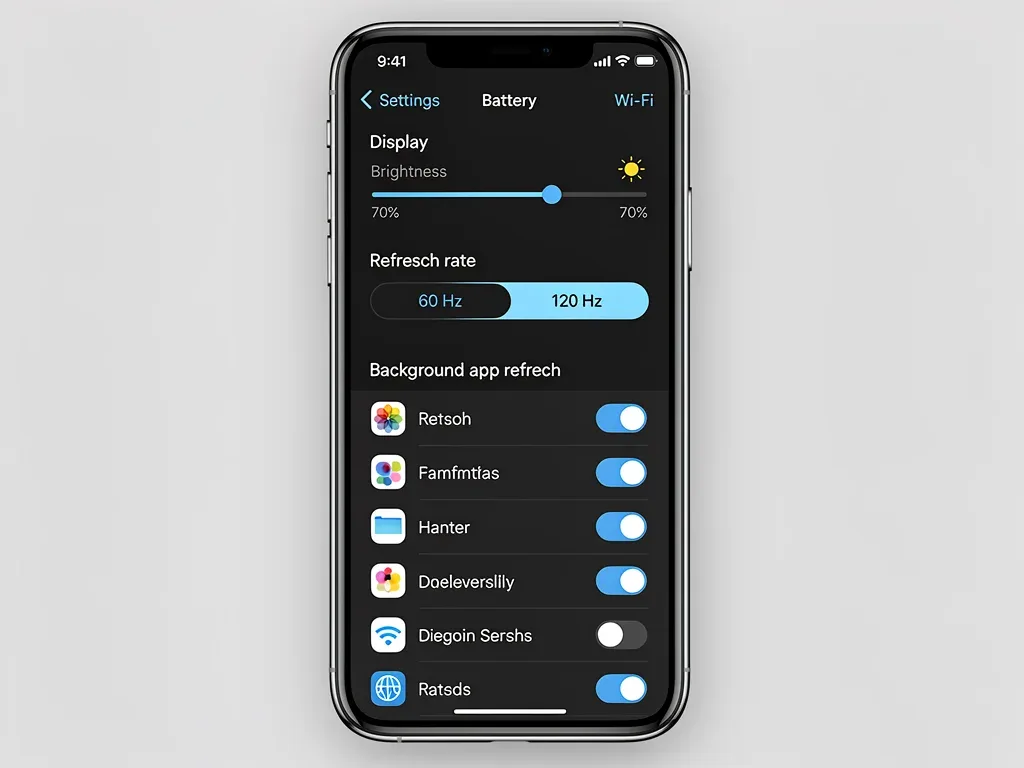
Lowering screen brightness is perhaps the most straightforward way to save power. While a vibrant screen enhances immersion, a slightly dimmer setting can make a big difference without drastically impacting your enjoyment. Additionally, high refresh rates, like 120Hz or even 144Hz, offer incredibly smooth visuals but consume significantly more power. Most phones allow you to dynamically adjust or manually set the refresh rate.
- Reduce screen brightness: Set it to the lowest comfortable level, or use adaptive brightness.
- Lower refresh rate: Switch from 120Hz/144Hz to 60Hz during gaming sessions.
- Enable dark mode: For devices with OLED screens, dark mode can save power by turning off individual pixels.
By consciously managing these display parameters, you directly influence the power draw of your device. It’s a simple yet highly effective first step in maximizing your mobile gaming battery life.
Manage background apps and processes
Even when you’re deeply engrossed in a game, numerous applications and system processes might be running in the background, silently siphoning off battery power. These background activities, ranging from social media notifications to email syncing, can accumulate to a considerable drain. Effective management of these processes is vital for preserving battery life.
In 2026, operating systems are more sophisticated in handling background tasks, but user intervention is still crucial. Understanding which apps are active and how to restrict their background usage can significantly impact your gaming endurance.
Restricting background data and refresh
Many apps automatically refresh their content or fetch data even when not in active use. This constant activity, while convenient for staying updated, is detrimental to battery life. Limiting background data and app refresh for non-essential applications can free up valuable resources for your gaming.
- Disable background app refresh: Turn off this feature for apps you don’t need constant updates from.
- Restrict background data usage: Many operating systems allow you to prevent apps from using data in the background.
- Force close unused apps: Before starting a gaming session, manually close any applications that are not needed.
Taking control of what your phone does when you’re not actively using an app is a powerful strategy. It ensures that your device’s processing power and battery are primarily dedicated to your mobile gaming experience.
Utilize performance modes and battery savers
Modern smartphones are equipped with various performance modes and battery-saving features designed to optimize resource allocation. While performance modes often prioritize raw power, many devices also offer balanced or power-saving modes that can extend battery life without severely compromising the gaming experience. Understanding and leveraging these built-in tools is a smart move for any mobile gamer.
Manufacturers in 2026 continue to refine these modes, offering more granular control over CPU clock speeds, GPU performance, and network activity. It’s no longer just about ‘on’ or ‘off’; there’s a spectrum of optimization available.
Activating game modes and power-saving features
Most gaming-centric smartphones, and even many mainstream devices, feature dedicated ‘game modes’. These modes often automatically optimize system resources for gaming, but some also include options to prioritize battery life over peak performance. Additionally, general power-saving modes can be highly effective.
- Engage specific game modes: Check if your phone’s game mode has a ‘battery saving’ option.
- Activate standard power-saving mode: For less demanding games, a general power-saving mode can extend play significantly.
- Customize performance profiles: Some advanced devices allow you to create custom profiles, balancing performance and battery.
By intelligently using these pre-configured or customizable modes, you can strike a balance between smooth gameplay and prolonged battery life, ensuring your device lasts through critical gaming moments.
Disable unnecessary connectivity features
Wireless radios, such as Wi-Fi, Bluetooth, GPS, and cellular data, are constant consumers of battery power. While essential for many mobile gaming titles, some of these features might not be necessary for every game or situation. Disabling them when not in use can lead to noticeable battery savings.
In 2026, connectivity options are more robust than ever, offering faster speeds and wider coverage. However, this increased capability often comes with a higher power cost, making selective disabling a valuable technique.
Turning off non-essential radios
If you’re playing an offline game, there’s no need for Wi-Fi or cellular data to be active. Similarly, if you’re not using a Bluetooth controller or headphones, turning off Bluetooth can save power. GPS, while critical for location-based games, can be a major drain if left on when not required.
- Toggle Wi-Fi/Cellular data: Disable if playing offline games or in areas with poor signal (which forces the phone to work harder).
- Turn off Bluetooth: If not using wireless accessories, switch it off.
- Deactivate GPS/Location Services: Only enable when a game specifically requires it.
Minimizing the number of active wireless connections reduces the background power draw, allowing your device to dedicate more energy to running your favorite mobile games.
Invest in external power solutions
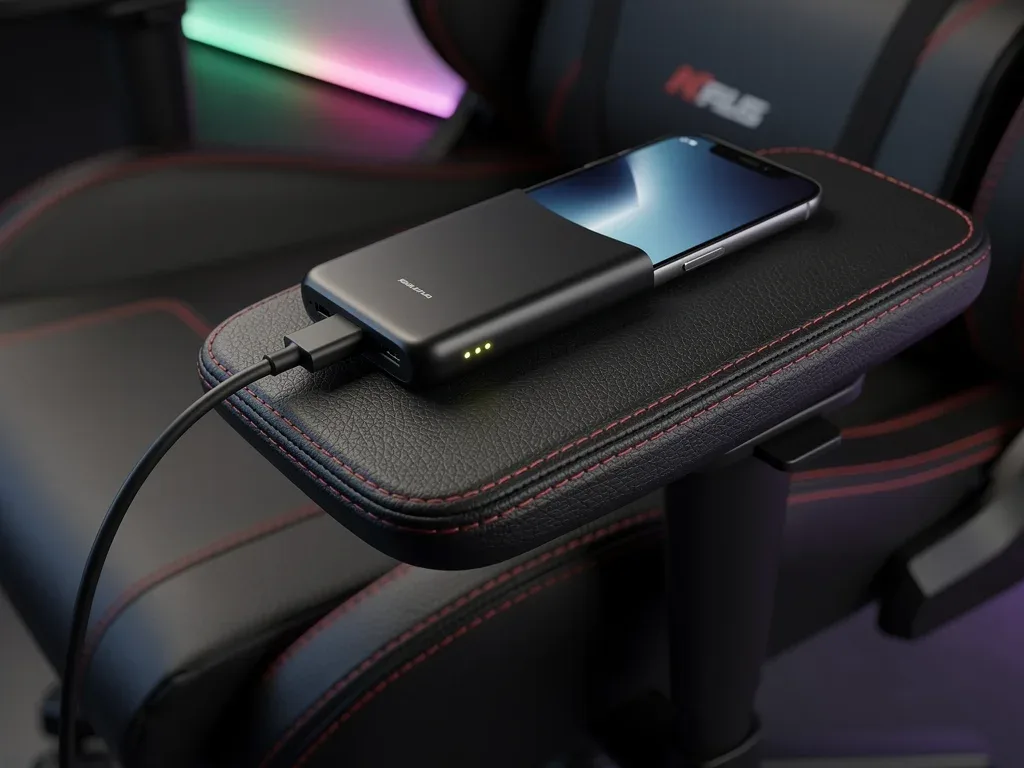
Sometimes, despite all software and settings optimizations, the sheer demand of extended mobile gaming sessions necessitates an external power source. Portable power banks and advanced charging accessories have become indispensable tools for serious mobile gamers in 2026, offering a reliable way to keep playing without being tethered to a wall outlet.
The market for external power solutions has matured considerably, with options ranging from compact, fast-charging power banks to innovative charging cases. Choosing the right accessory can dramatically enhance your gaming mobility.
Choosing the right power bank and charging cables
Not all power banks are created equal. Look for models with high capacity (measured in mAh), fast-charging capabilities (e.g., Power Delivery or Quick Charge), and multiple output ports if you need to charge other devices. High-quality cables are also crucial, as cheap cables can limit charging speed and efficiency.
- High-capacity power bank: Aim for 10,000 mAh or more for multiple recharges.
- Fast-charging support: Ensure compatibility with your phone’s fast-charging protocol.
- Durable, high-quality cables: Invest in cables that support the necessary power delivery.
An external power solution provides the ultimate freedom for extended mobile gaming, allowing you to play for hours on end, regardless of your proximity to an electrical outlet.
Keep your device cool
Heat is the enemy of battery life and overall device performance. When your smartphone gets hot, its internal components, including the battery, operate less efficiently. This leads to faster battery drain and can even cause the CPU and GPU to throttle performance to prevent overheating, resulting in a less enjoyable gaming experience. Effective heat management is therefore a critical, often overlooked, aspect of maximizing battery life for gaming.
As mobile games become more graphically demanding, thermal management becomes increasingly important. Devices in 2026 often include advanced cooling systems, but external assistance can still make a significant difference.
Utilizing cooling accessories and environmental factors
Several accessories are designed to help keep your phone cool during intense gaming. These range from simple clip-on fans to more advanced semiconductor coolers. Additionally, your environment plays a role; avoid playing in direct sunlight or in warm rooms.
- Gaming phone coolers: Invest in a clip-on fan or a semiconductor cooler for active cooling.
- Remove phone case: A thick case can trap heat; remove it during long gaming sessions.
- Play in a cool environment: Ensure good airflow around your device and avoid direct heat sources.
By keeping your device’s temperature in check, you not only preserve battery life but also maintain optimal performance, preventing lag and ensuring a smooth, consistent gaming experience.
Regular battery maintenance and monitoring
Beyond immediate gaming session optimizations, long-term battery health plays a crucial role in overall longevity and performance. Just like any other component, a smartphone battery requires proper care and monitoring to maintain its capacity over time. Neglecting battery health can lead to diminished performance and shorter gaming sessions in the long run.
In 2026, battery technology has advanced, but the fundamental principles of good battery care remain constant. Regular maintenance practices can significantly extend the lifespan of your device’s power source.
Practicing good charging habits and monitoring health
Avoid routinely draining your battery to 0% or charging it to 100% and leaving it plugged in for extended periods. Modern lithium-ion batteries prefer to stay within a 20-80% charge range. Additionally, regularly check your phone’s battery health reports, which are often available in the device settings.
- Optimal charging range: Try to keep your battery between 20% and 80% charge.
- Avoid overnight charging: Unplug your phone once it’s fully charged.
- Monitor battery health: Use built-in tools or third-party apps to track degradation.
By adopting smart charging habits and actively monitoring your battery’s health, you can ensure that your device continues to provide reliable power for your extended mobile gaming adventures for years to come.
Software updates and game optimization
The software running on your device, from the operating system to the games themselves, plays a pivotal role in power consumption. Developers and manufacturers are constantly releasing updates that include performance enhancements, bug fixes, and, crucially, power efficiency improvements. Staying up-to-date is not just about new features or security; it’s also about optimizing your device’s energy footprint for mobile gaming.
In 2026, software optimization is a continuous process. Both OS developers and game studios strive to make their products run more smoothly and efficiently on a wide range of hardware, directly benefiting battery life.
Keeping OS and games updated
Operating system updates often contain critical power management improvements. Similarly, game developers frequently release patches that optimize their titles for better performance and reduced battery drain. Ignoring these updates means missing out on potential efficiency gains.
- Install OS updates promptly: These often include battery optimizations.
- Update your games regularly: Developers frequently fine-tune performance and power usage.
- Check in-game settings: Many games offer graphic quality options that can be lowered to save battery.
By ensuring your software is always current and adjusting in-game graphics settings when necessary, you can leverage the latest optimizations to significantly extend your mobile gaming sessions and enjoy a more fluid experience.
| Key Technique | Brief Description |
|---|---|
| Display Optimization | Lower brightness and refresh rate to reduce screen power consumption. |
| Background App Management | Restrict background data and refresh for non-gaming apps to save power. |
| Performance Modes | Utilize game-specific or general power-saving modes for balanced efficiency. |
| External Power Solutions | Invest in high-capacity, fast-charging power banks for extended play. |
Frequently asked questions about mobile gaming battery life
What is the most effective way to save battery while gaming?▼Reducing screen brightness and refresh rate is often the single most impactful adjustment. The display is a primary power consumer, so optimizing these settings provides immediate and significant battery savings during mobile gaming sessions.
Do gaming modes actually improve battery life?▼While many gaming modes prioritize performance, some offer options to optimize for battery life. They can manage background processes and allocate resources more efficiently, which can indirectly extend your mobile gaming battery life if configured correctly.
Is it better to use Wi-Fi or cellular data for gaming to save battery?▼Generally, Wi-Fi consumes less power than cellular data, especially in areas with strong Wi-Fi signals. If you have a stable Wi-Fi connection, it’s preferable for extended mobile gaming to conserve battery life compared to relying on cellular data.
How does device temperature affect battery life during gaming?▼High temperatures cause batteries to degrade faster and operate less efficiently. An overheated device will drain its battery more quickly and may throttle performance. Keeping your phone cool is crucial for both battery longevity and consistent gaming performance.
Should I fully charge and discharge my phone battery for better health?▼For modern lithium-ion batteries, it’s best to avoid full discharges (0%) and charges (100%). Keeping the battery level between 20% and 80% generally contributes to better long-term battery health and cycle longevity.
Conclusion
Maximizing Battery Life for Extended Mobile Gaming Sessions: 7 Proven Techniques for 2026 is not merely about extending playtime; it’s about enhancing your overall mobile gaming experience. By meticulously optimizing display settings, managing background applications, leveraging performance modes, disabling unnecessary connectivity, investing in reliable external power, ensuring proper thermal management, and diligently maintaining software and battery health, you can transform your device into a true portable gaming powerhouse. Embrace these strategies to ensure that your adventures in the virtual world are never prematurely interrupted by a dwindling power bar, allowing you to fully immerse yourself in the rich and dynamic landscape of mobile gaming.